
ザキCards
Flashcards on a pure black screen. Easy on your eyes, easy on your OLED.
Version 1.3.1 · Windows 10/11 · about 29 MB · unzip and run, no installer
Why I made it
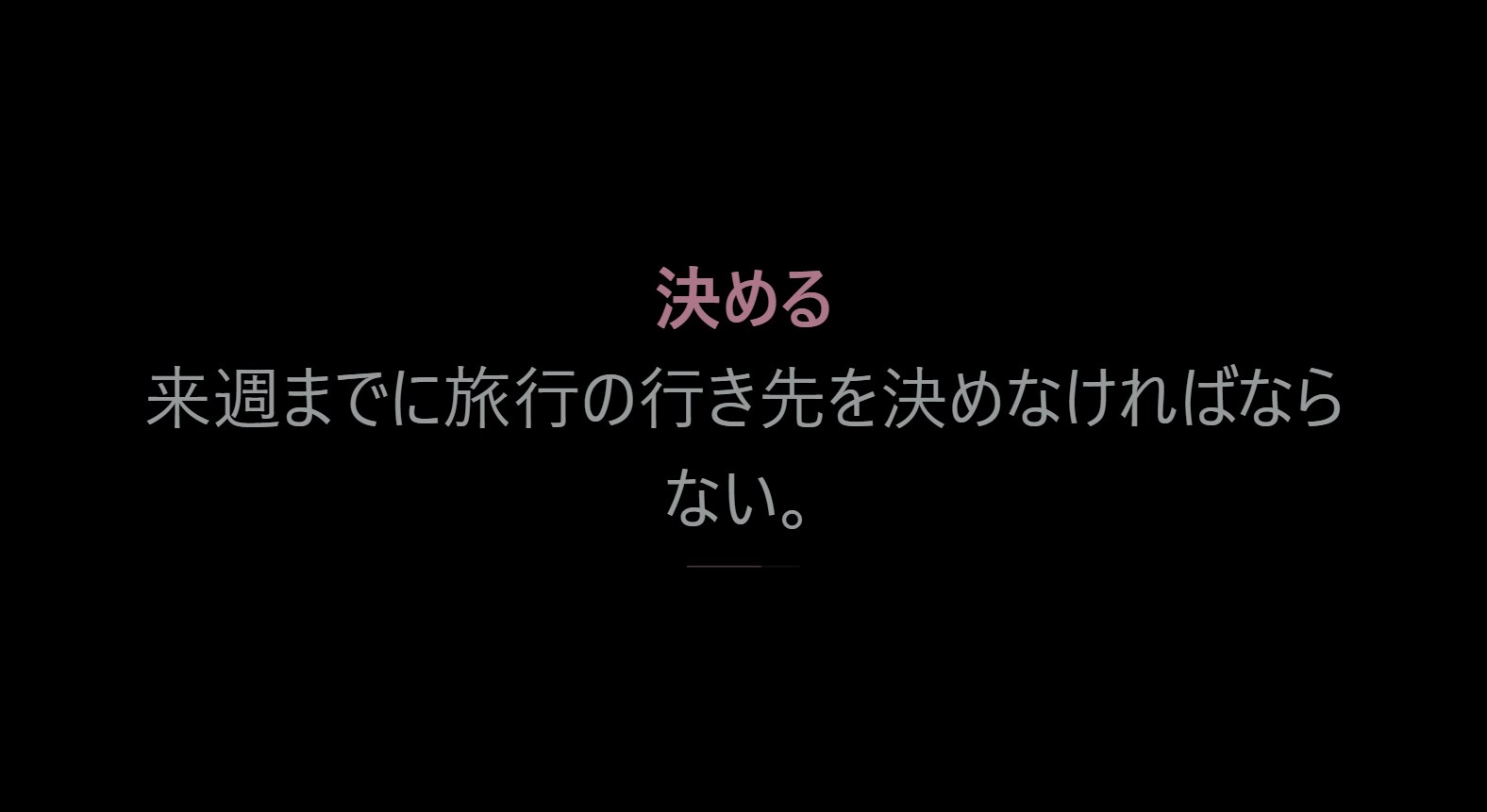
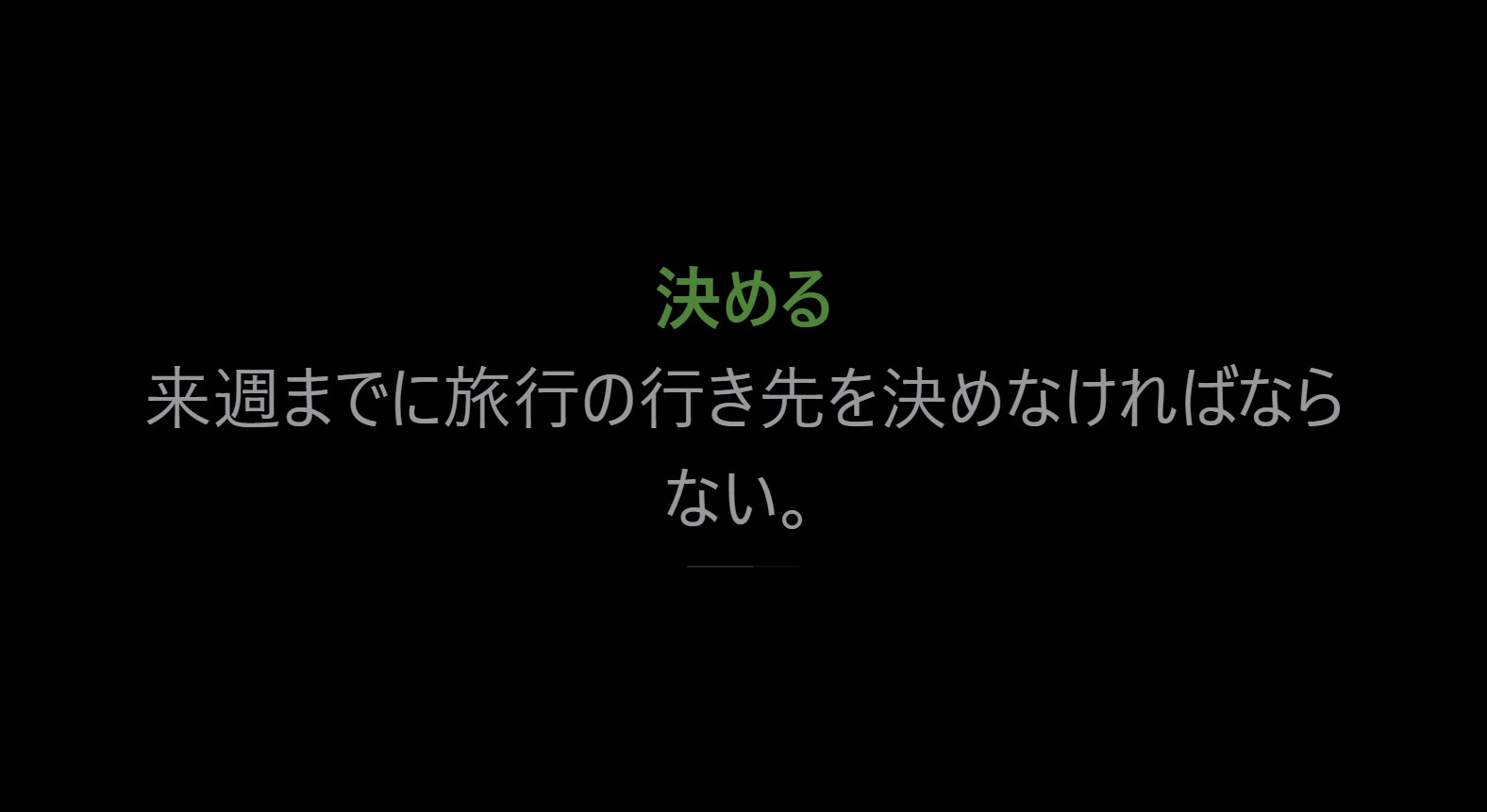
My laptop has an OLED screen. I wanted to keep studying Japanese while it sat on my desk, without leaving a bright Anki window burning into the panel. So ザキCards shows one card at a time on pure black, then goes fully black, and never puts anything in the same spot twice.
Plays your Anki decks
Finds your Anki profile on its own and reads a copy of your collection. Subdecks, cloze, furigana and images all work, and your Anki data is never touched.
Or bring your own
Import .apkg packages and CSV / TXT word lists, or type a deck in the app: one card per line, front | back.
Hold to read
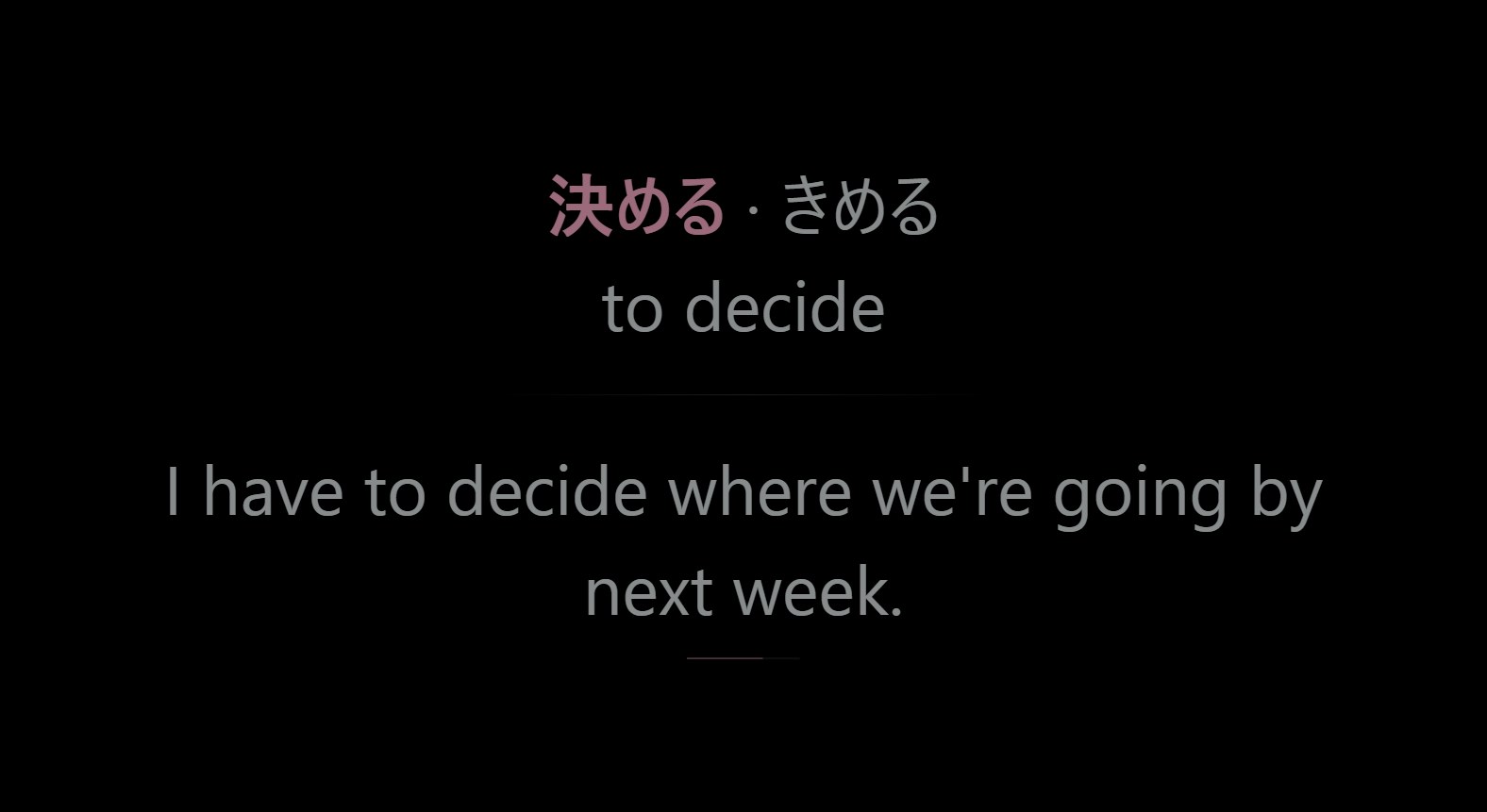
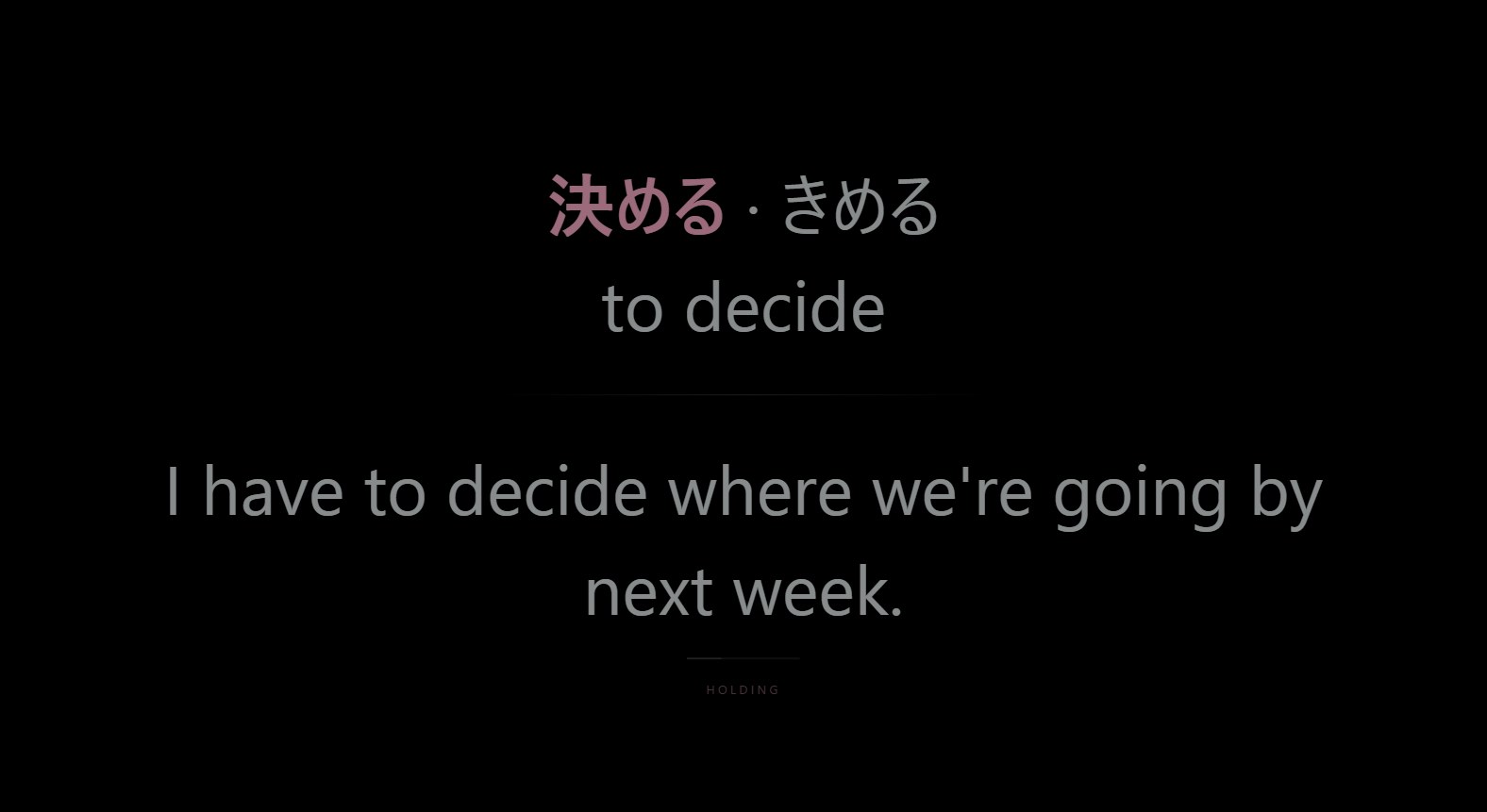
Hold the mouse on a card to keep it on screen as long as you need. Let go and it carries on.
Star what you miss
Press S and the card goes into a Starred deck, so you can drill the ones that got away.
Burn-in care
Pure black background, dimmable text, cards that move a little every time, and nothing that stays on screen.
Make it yours
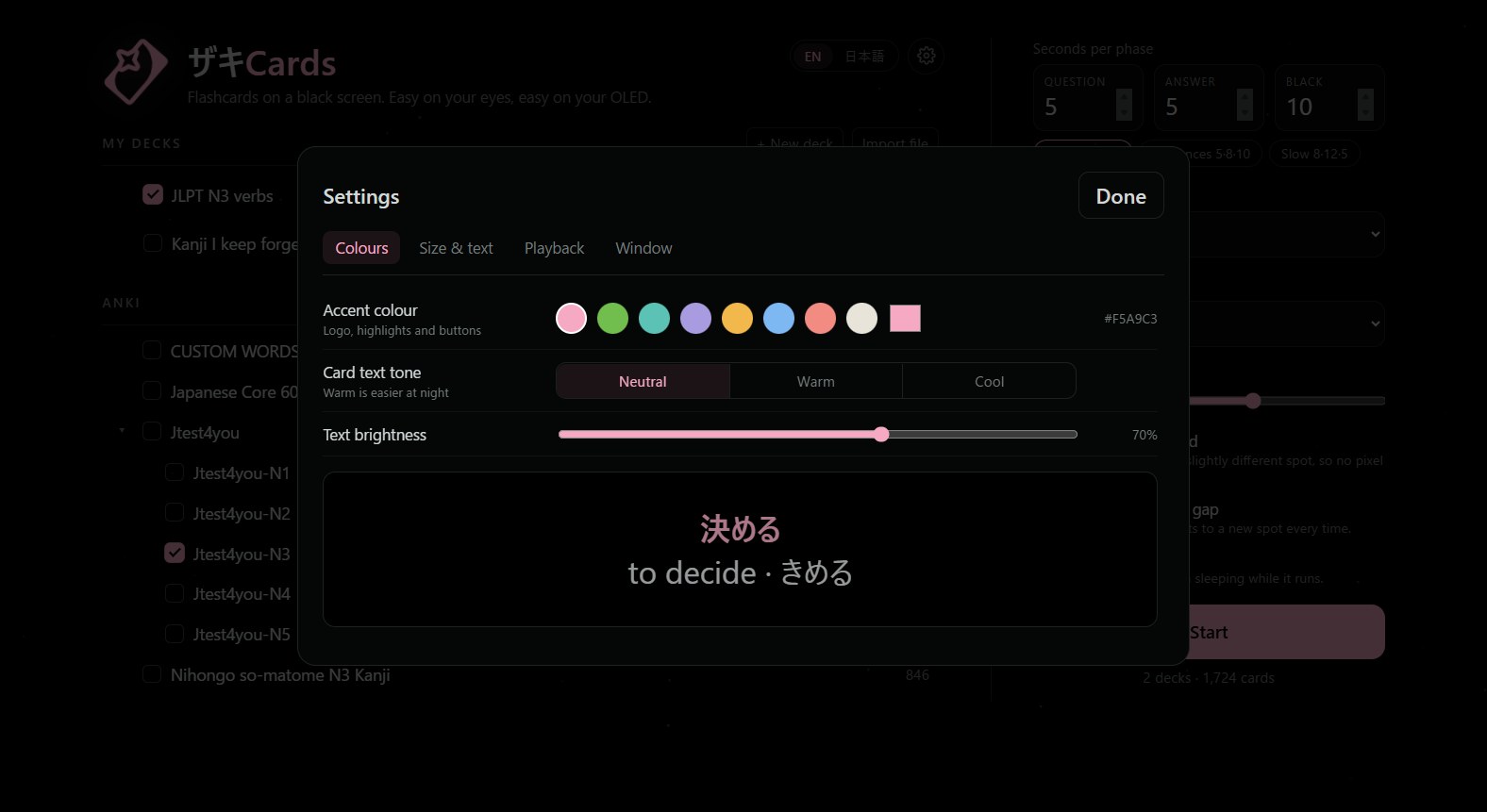
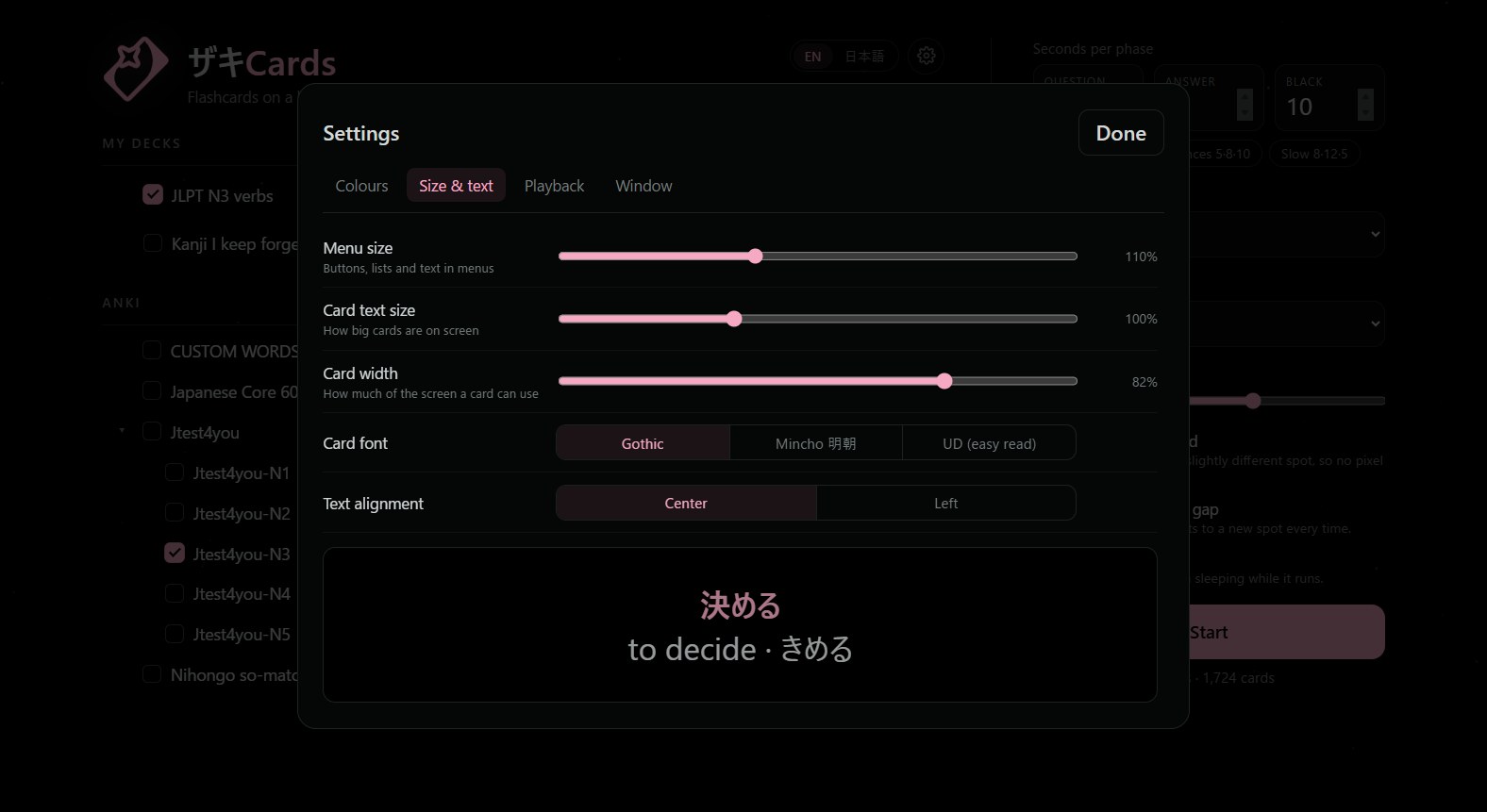
Accent colour, card size and width, Gothic / Mincho / UD fonts, animation speed, sleep timer, English or 日本語.
Set up in a minute
You don't need Anki, but if you have it, your decks show up by themselves.
Download and unzip
Get ZakiCards-win64.zip and unzip it anywhere. Your Desktop is fine.
Open ZakiCards.exe
The app isn't code-signed yet, so Windows may show a blue SmartScreen box. Click More info → Run anyway. It only needs to be done once.
Pick your Anki profile
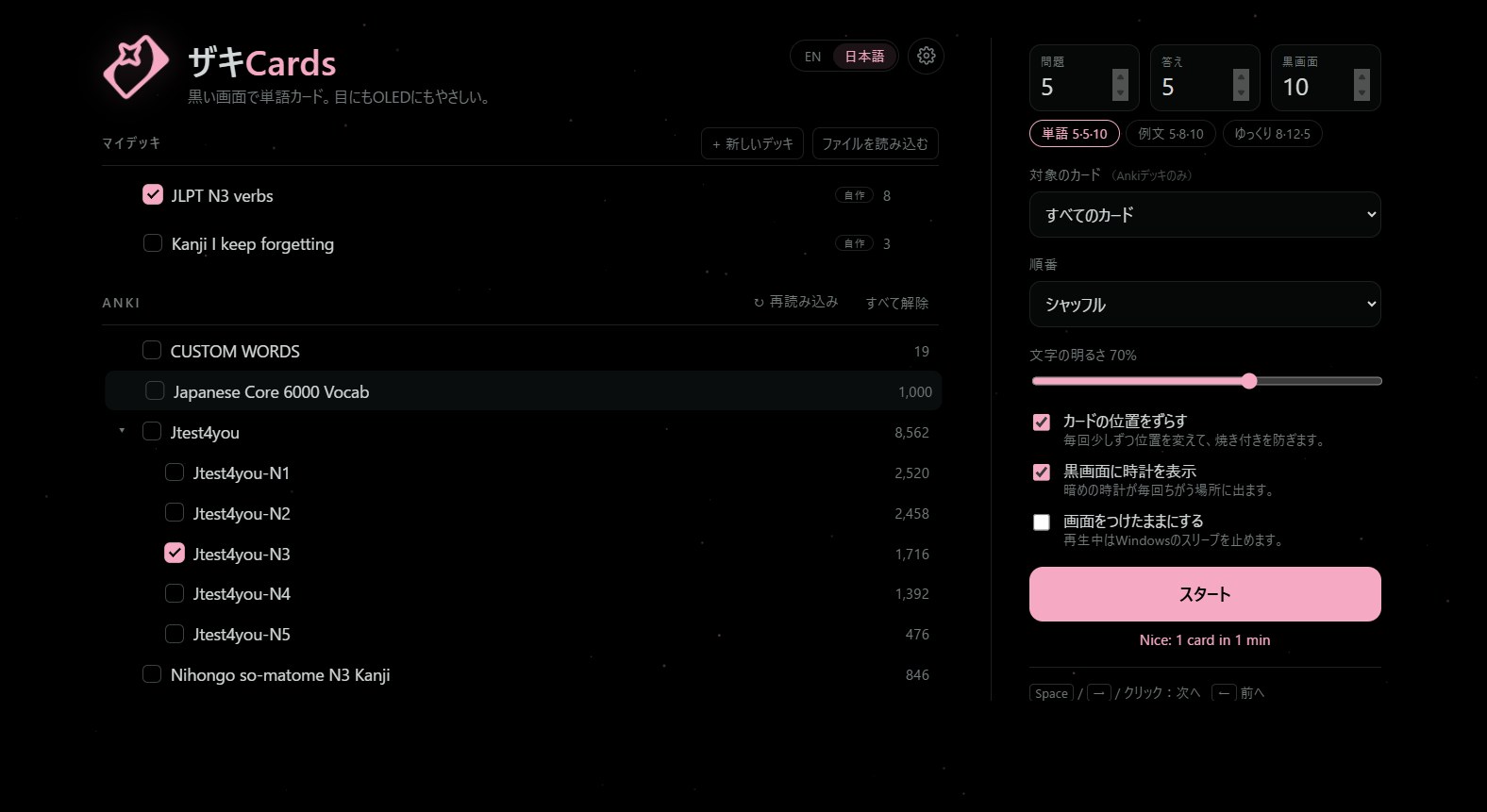
ザキCards looks for Anki in %APPDATA%\Anki2 and loads your default profile. If you have more than one profile, choose it from the dropdown next to Anki. Studied in Anki since? Press ↻ reload to pull in the latest cards.
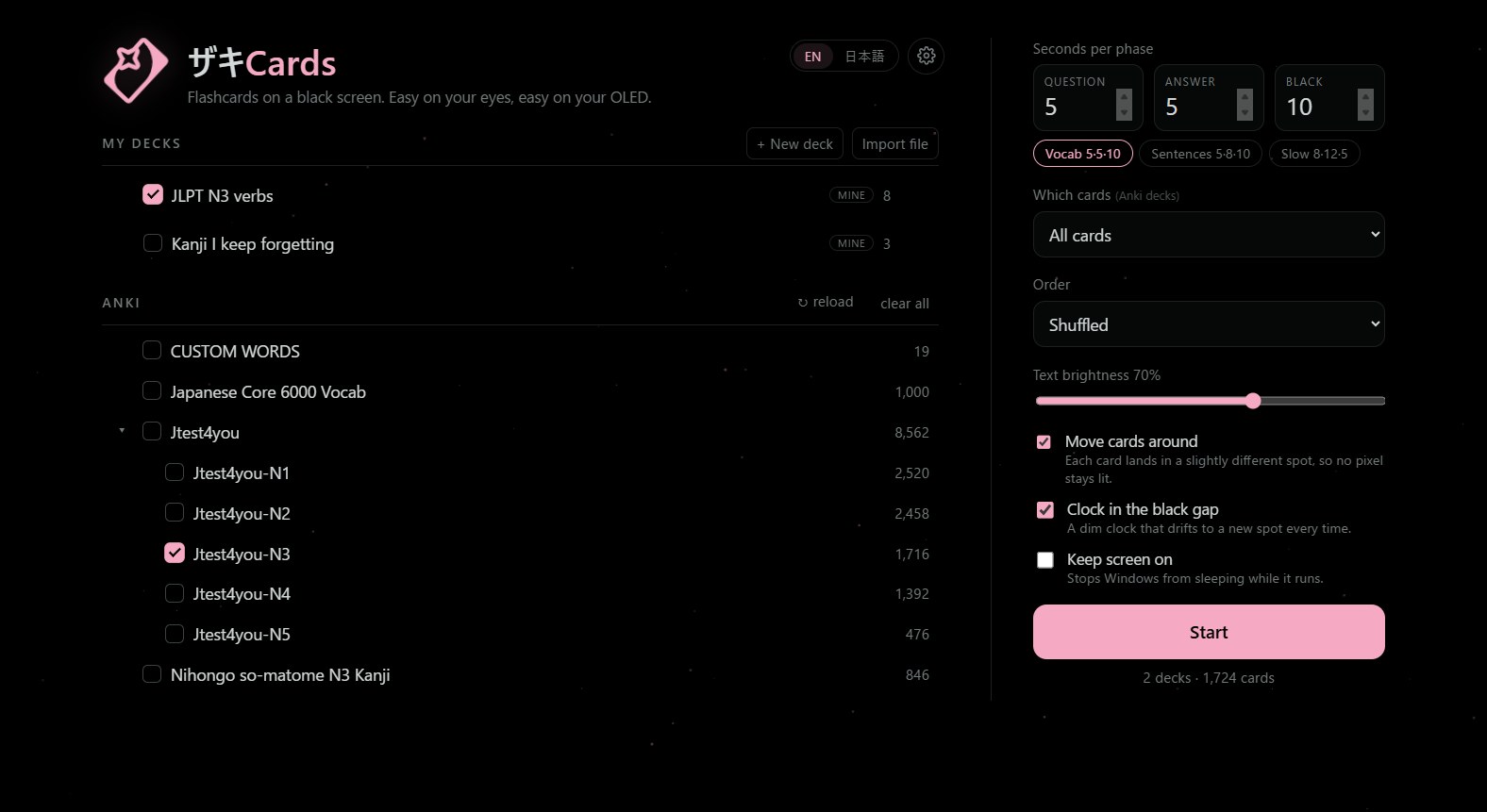
Tick decks and press Start
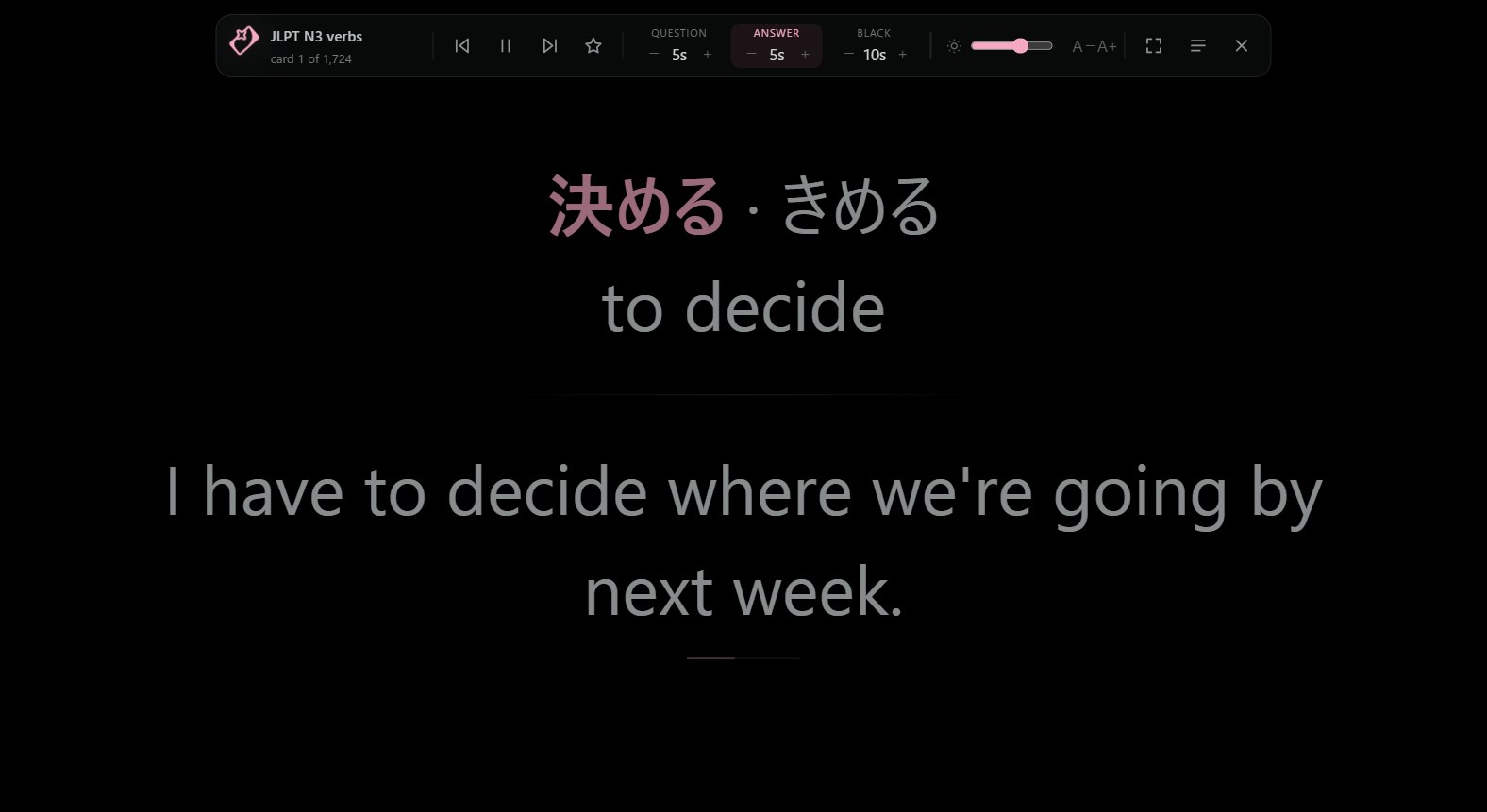
Tick a deck (ticking a parent deck includes its subdecks), pick timings (Vocab 5·5·10 is a good start) and press Start. Move the mouse to the top edge for controls, the bottom edge for back / forward, Esc for the menu.
No Anki? Make a deck
Use + New deck to type cards, or Import file for an Anki .apkg or a CSV list.
Shortcuts

Questions
Does it change my Anki collection?
No. It copies your collection to a temporary folder and reads the copy. Your reviews and scheduling stay exactly as they are.
Is it free?
Yes.
Mac or Linux?
Windows only for now.
Where are my settings and decks saved?
In %APPDATA%\ZakiCards. Delete that folder to start fresh.
Will it really protect my screen?
It helps a lot: black background, dim text, moving cards and no fixed UI. Keep brightness moderate and use the sleep timer at night.